
Introduction
What is n8n?
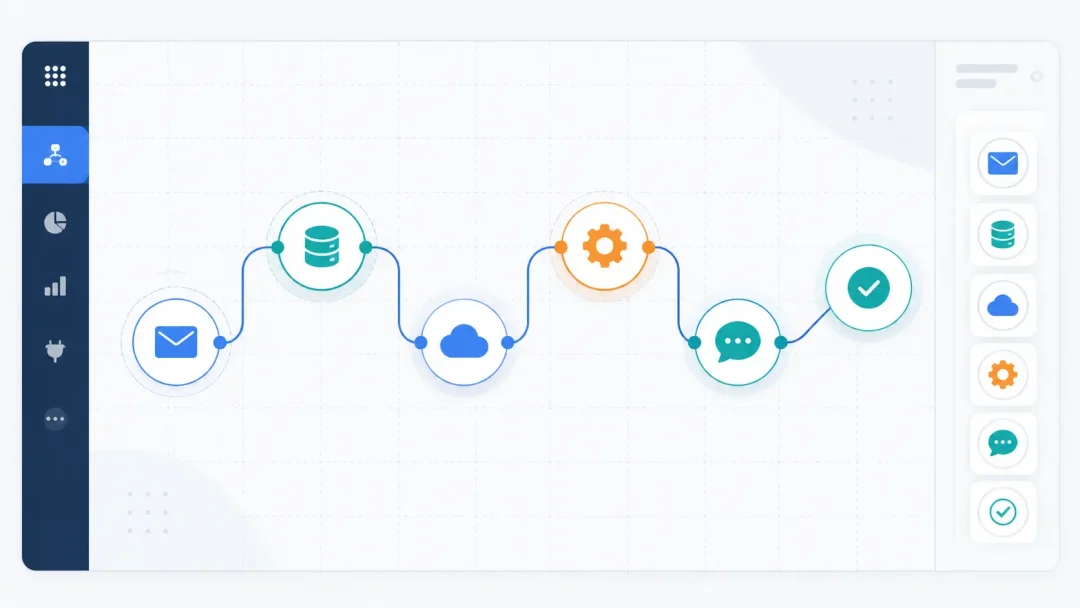
n8n is an open-source workflow automation tool that lets you build automated processes with minimal coding. It uses a visual, node-based canvas so you can connect actions and triggers to form multi-step workflows.
Key features include self-hosting, a fair-code license, and the ability to add custom code in JavaScript or Python. This makes it flexible for both simple tasks and complex data processes. You can run it locally or in the cloud, depending on your needs.
Why automate with n8n
Lean teams benefit from automation by freeing time for higher-value work. n8n can replace repetitive tasks with reliable, repeatable flows that run on schedule or in response to events.
Compared with cloud-only tools, n8n offers control over where your data lives and how it’s processed. Open-source roots foster transparency, while self-hosting supports privacy and customization at scale.
- Flexibility: 400+ integrations and the option to run custom code
- Cost control: no per-task fees when self-hosted
- Security: on-prem or private cloud deployments with credentials management
As you explore automation, consider how a self-hosted setup could fit your needs. For many teams, running n8n on a server you control aligns with privacy goals and long-term cost planning. This article will guide you through setup, building your first workflow, and scaling your automation stack.
1. Build Your First n8n Workflow
Starting from scratch vs. using templates
Starting from scratch gives you full control over each step in the process. You decide the exact sequence, data transformations, and how each action interacts with your systems. This approach suits unique requirements and strict data handling needs.
Templates provide a fast entry point. They expose common automation patterns you can adjust to fit your workflow, helping you validate integrations and land a working solution quickly.
Adding a trigger and connecting nodes
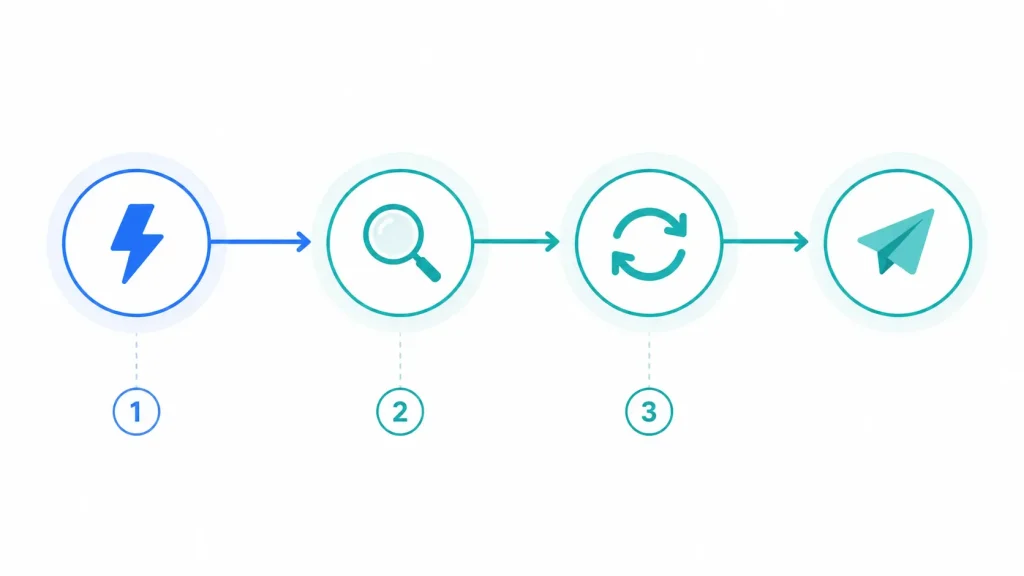
Every workflow starts with a trigger. This can be a webhook, a scheduled time, or an event from another service. The trigger kicks off the data flow and begins the chain of actions.
Link nodes to perform tasks like data retrieval, transformation, and delivery. Each node represents a discrete action, and data items move through the workflow as units of work. Define the trigger to match your real event. Choose actions that align with your data path. Use connections to pass data between nodes.
Running and testing your first workflow
Run the workflow in a test environment to observe how data moves and how each node behaves. Check for missing credentials or misconfigured parameters during this phase.
Use the debugging panel to inspect each data item as it passes through nodes. If a step fails, adjust the node settings or add simple validation to prevent errors from propagating.
When the flow behaves as expected, activate it and monitor initial runs to confirm stability and reliability over time.
2. Core Concepts and Data Flow in n8n
Nodes, triggers, and executions
In n8n, a workflow is built from nodes that each perform a concrete action. Trigger nodes start the flow when an event occurs, such as a webhook or a scheduled time. Action nodes handle tasks like fetching data, sending messages, or updating another system. Executions reveal the path data takes through the workflow and show where each node runs its logic.
Think of the execution as a data pipeline. Data items move from node to node, accumulating context until the final action completes. You can inspect each item to understand how information transforms along the way.
Data items, intervals, and expressions
Data in n8n flows as discrete items. Each item travels through nodes with its own set of properties, enabling parallel processing of multiple records. Intervals and time-based triggers let you schedule workflows to run regularly or in response to specific time windows.
Expressions provide dynamic values inside nodes. You can reference data from earlier steps, compute derived fields, or create conditional logic that adapts to the data being processed. This makes flows flexible without hard coding every scenario.
Credentials and secure connections
Credentials unlock access to connected services. n8n stores them in a dedicated credentials manager, enabling reuse across nodes while keeping sensitive data isolated. You can enforce access controls and limit which workflows can use particular credentials.
With self-hosted deployments, you gain full control over where credentials are stored and how they are transmitted. This aligns with privacy and security practices for enterprise environments and works well with a self-hosted setup.
3. Common n8n Integrations for Practical Automation
Email and messaging automation
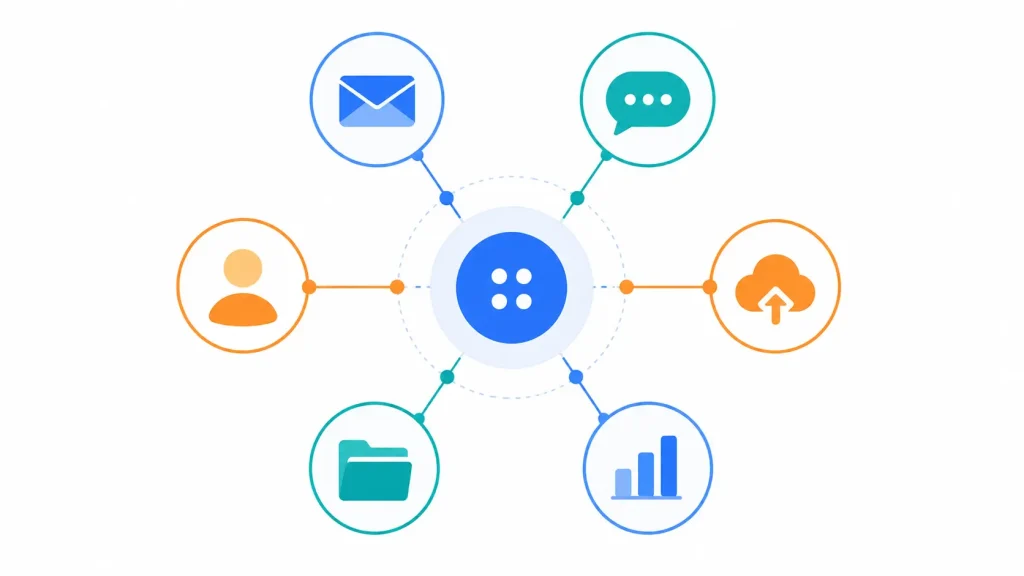
Automating email and messaging keeps teams aligned without manual follow-ups. n8n can handle sending personalized messages, scheduling reminders, and routing responses based on content.
Key capabilities include integrating with popular email services, templating messages, and using conditions to trigger different workflows based on recipient responses or event types. Trigger on form submissions or events and send tailored emails. Post messages to team channels when new tasks appear. Queue messages to avoid flooding recipients during peak times
CRM and customer data workflows
Linking customer data across tools reduces manual data entry and inconsistencies. n8n supports syncing contact details, updating records after interactions, and automating lead routing.
With a mix of pre-built nodes and custom requests, you can push updates to CRMs, pull account information for dashboards, and trigger follow-ups based on lifecycle stages. Sync contact data between forms, databases, and CRMs. Automate lead qualification processes with conditional routing. Maintain data hygiene by deduplicating records during transfers.
Storage, backups, and file automation
Automated storage and backup workflows protect important data without manual intervention. n8n can move, transform, and archive files across cloud storage, local servers, or on-premise targets.
Common patterns include scheduled backups, file versioning, and triggering file transfers after specific events or approvals.
| Use Case | Typical Nodes | Benefits |
| Automatic daily backups | Trigger, Storage, Copy/Move | Consistency, reduced manual effort, auditable logs |
| Document archival | Trigger, Google Drive/OneDrive, Compression | Space savings, easy retrieval, structured organization |
| Media asset distribution | Webhook, Storage, Messaging | Faster delivery, centralized access controls |
4. Designing Robust n8n Workflows
Error handling and retries
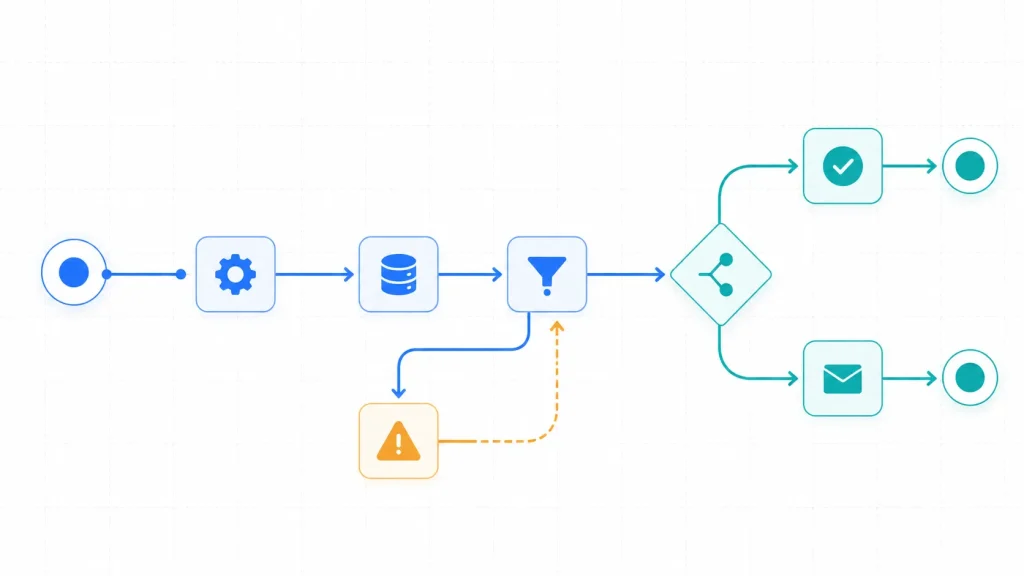
Plan for failures as part of the core flow. Use dedicated error routing to separate problematic items for retry or inspection, keeping the main path running smoothly.
Implement retry strategies with sensible backoffs to avoid overloading services. Distinguish between transient and permanent errors so you escalate when appropriate.
Conditional logic and branching
Use conditional nodes to tailor the path based on data context. Branch flows by values, statuses, or external signals to keep processing lean and predictable.
Anticipate edge cases where fields are missing or formats vary. Apply defaults and early validations to simplify maintenance as the workflow grows.
Testing, versioning, and deployment best practices
Test in isolated environments with representative data to catch edge cases before production. Use separate credentials and targets to avoid cross-environment contamination.
Embrace version control for workflows. Store definitions in Git and leverage environment-specific branches, with clear diffs documenting changes.
Deploy incrementally from development to staging and then production. Maintain rollback plans and a changelog to support auditing and collaboration.
5. Deploying n8n for Businesses
Cloud vs. self-hosted deployment
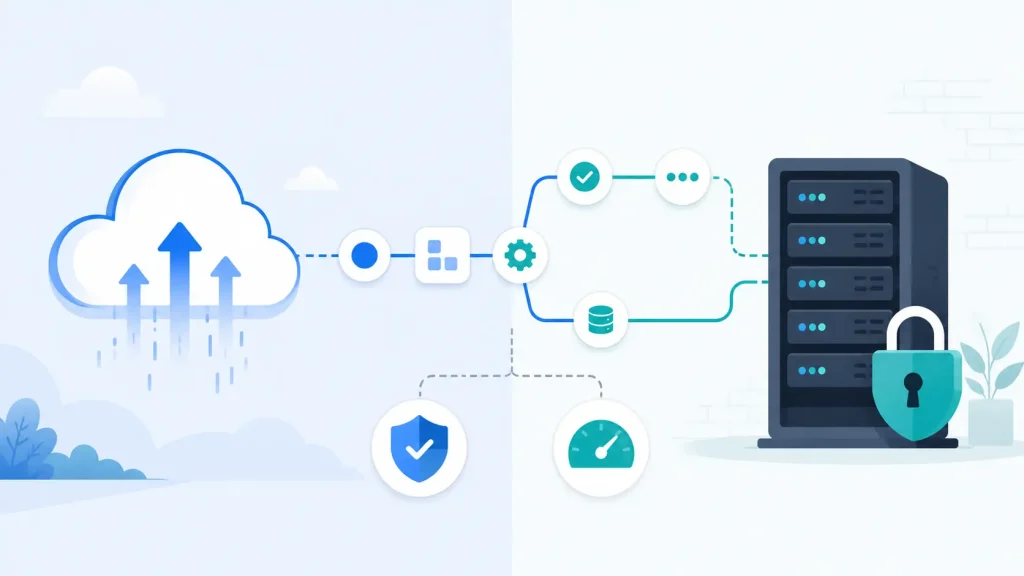
Cloud deployments offer a quick start with managed infrastructure and scalable resources. They reduce server maintenance and let teams move fast with less operational overhead.
Self-hosted deployments give you full control over data location and security. Tailor networking, backups, and governance to align with internal policies and compliance needs.
- Cloud: fast setup, managed updates, and simplified compliance reporting
- Self-hosted: complete data control, customizable security, potential cost savings at scale
- Hybrid options: mix cloud for workloads with on-prem for sensitive processing
Security considerations and access control
Embed security into deployment choices. Use encrypted secret stores and enforce clear role separation. Align access controls with your policy framework. Single sign-on and directory integration to centralize authentication. Role-based access control to limit who can modify workflows. Audit trails for workflow changes and execution events.
Performance and reliability for business workloads
Design capacities around peak usage and monitor data paths for latency. Consider horizontal scaling and distributed workers to maintain throughput. Cache persistent connections to reduce lookup times. Distribute workloads across worker processes or nodes. Implement backup routines and failover paths to sustain continuity.
6. Advanced n8n Techniques
Using expressions effectively
Expressions enable on-the-fly value computation without external scripts. They support dynamic data shaping, formatting, and routing decisions within a single workflow.
Use built-in functions to manipulate strings, numbers, dates, and JSON fields. Extract parts of payloads or build API payloads with minimal boilerplate to keep flows concise.
Parallel processing and workflow scaling
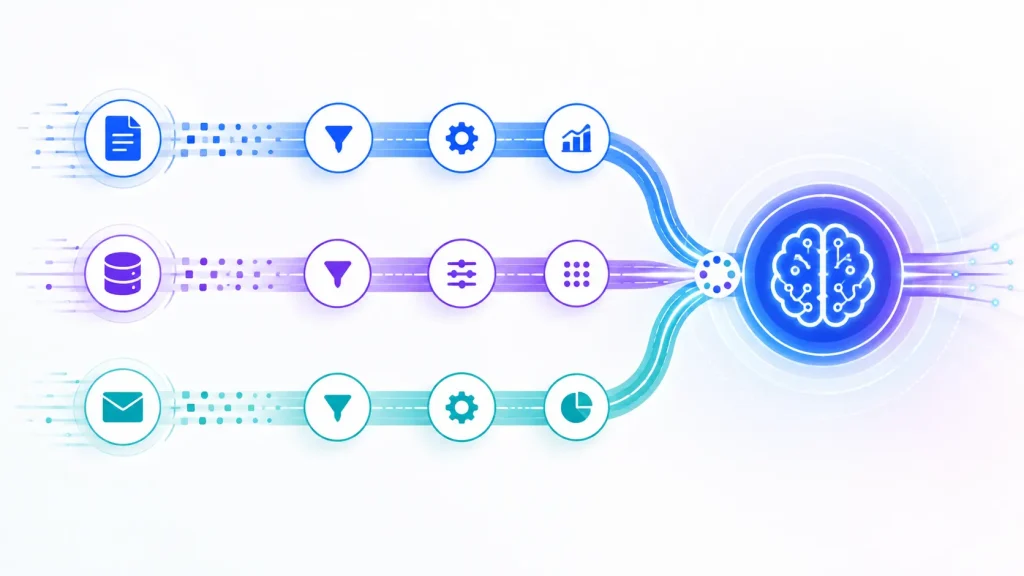
Divide workloads so independent tasks run concurrently, reducing latency and boosting throughput for high-volume automations.
Scale by distributing work across multiple workers or nodes and batching large data sets. Design steps to be idempotent to prevent duplicates during retries.
AI integrations and data enrichment
Link AI services to improve decision-making and content generation. Use AI nodes to produce summaries, classifications, or transformed data within broader pipelines.
Incorporate humans in the loop for quality control. Record AI decisions alongside original data to support auditing and traceability.
| Technique | Benefit | When to use |
| Expressions | Dynamic values, concise payloads | Data transformation within a single node |
| Parallel processing | Lower latency, higher throughput | Independent tasks, large datasets |
| AI integrations | Smart automation, enhanced insights | Content, categorization, or prediction steps |
FAQ
What is n8n and how does it work?
n8n is an open-source workflow automation tool that lets you build multi-step processes with minimal coding. It uses a visual canvas where you place nodes to perform actions, fetch data, and route results. Each node represents a task, such as calling an API, transforming data, or sending a notification.
Do I need coding skills to use n8n?
Basic understanding of data structures and APIs helps, but you can start with no code. n8n provides a wide library of pre-built nodes for common tasks. For more advanced needs, you can add custom logic with JavaScript or Python in dedicated code nodes.
How do I create my first workflow in n8n?
Start with a trigger node to start the flow. Then add an action node to perform a task, such as writing data to a sheet or sending a message. Connect the nodes to define data transfer between steps.
Configure each node with the required inputs, test the workflow, and activate it. You can monitor executions in the debugging panel and adjust as needed.
What types of tasks can I automate using n8n?
Data collection and transformation from multiple sources, Notifications and alerts across platforms, Data entry and synchronization with apps like spreadsheets or CRMs, and Scheduled backups and file management routines
Can I use n8n for AI automation?
Yes, n8n supports AI-driven steps by integrating with AI services or using code nodes to process data, generate content, or perform classifications. You can combine AI outputs with human-in-the-loop processes for validation.
What are triggers in n8n?
Triggers are the starting point of a workflow. They can be: Scheduled triggers (cron jobs), Webhooks (triggered by external apps), App-based triggers (e.g., new email, form submission)
Conclusion
Automation with n8n helps lean teams move faster while preserving control. You get a visual editor, a growing set of pre-built nodes, and the option to run on your own hardware or in a managed environment. This balance is valuable when speed meets privacy and governance needs.
Start small and iterate. A simple form submission to a spreadsheet and a notification can grow into a multi-step workflow with error handling and AI enrichment. Design for idempotence and maintain clear visibility into each execution.
Think about your infrastructure choices early. Self-hosting on a VPS or on-prem gives you control over data and customization, while cloud setups can accelerate initial adoption. You can integrate with your existing tools via HTTP and scale to more advanced features as requirements evolve.
